
For the background to this series of summary posts see Altair SLC 2026 series: Introduction to posts.
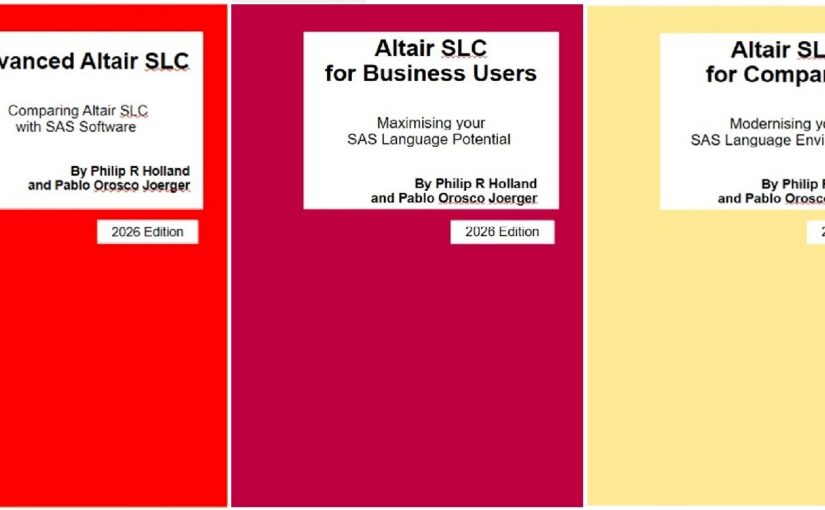
Book links:
Book A: Advanced Altair SLC
Comparing Altair SLC with SAS Software
A-02 There is no session, there is a workspace
The first thing that surprises a SAS programmer opening Altair Analytics Workbench: there is no session. There is a workspace.
That one difference changes how you set the current working folder, how file types are associated, and how a server is assigned before anything will run.
Book A shows the 2024 and 2025 releases side by side, how to identify the installed version on Windows 11 and on Linux, and compares Workbench feature by feature with SAS Enterprise Guide.
If you are moving a team across, this is the chapter to read first.
Advanced Altair SLC, chapter 3.
#AltairSLC #SASProgramming #EnterpriseGuide #DataAnalytics
Book B: Altair SLC for Business Users
Working with Altair SLC day to day
B-02 Where your defaults come from
Two sessions, same program, different results. Almost always the defaults.
Altair SLC has two kinds: those built into the product, and those set in the configuration file. Until you know which is which, a session is not reproducible on anybody else’s machine.
Book B gives the initialisation procedure for Altair SLC 2026 step by step, for Windows and then for Linux, and separates the two kinds of default option properly.
Altair SLC for Business Users, section 2.3.
#AltairSLC #Reproducibility #SASProgramming #Linux
Book C: Altair SLC for Companies
The case, the cost and the migration
C-02 Four products, two tables
Altair SLC. Foundation SAS 9.4. SAS Viya. SAS Viya Workbench.
Book C compares all four in two tables. The first summarises the pricing model of each product from publicly available information. The second compares capability and scope across primary positioning, deployment model, execution engine and language support.
It is deliberately short, because it is written to be put in front of people who will not read the rest of the book.
Altair SLC for Companies, section 3.3.
#AltairSLC #SASViya #DataAnalytics #ITStrategy