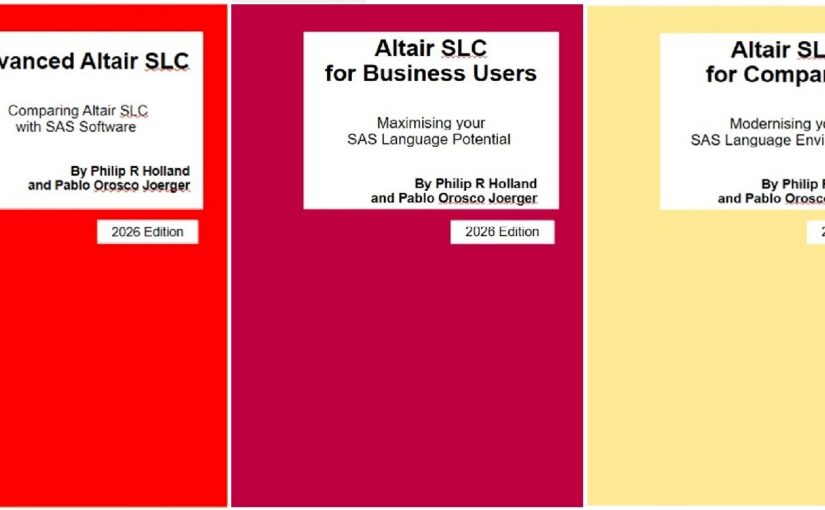
Altair SLC 2026 series: Summary post #4

Loading

For the background to this series of summary posts see Altair SLC 2026 series: Introduction to posts.

Book links:

Book A: Advanced Altair SLC

Comparing Altair SLC with SAS Software

A-04  Three editors, one language

Three editors, one language.

The Altair SLC extension turns Visual Studio Code into a full editing and execution environment for SAS-language programs.

Book A installs and configures it, then compares it directly with SAS Studio and with the SAS extension for VSCode, so a team can decide which editor actually fits the way it works rather than the way it is marketed.

Advanced Altair SLC, chapter 7.

#AltairSLC #VSCode #SASStudio #StatisticalProgramming

Book B: Altair SLC for Business Users

Working with Altair SLC day to day

B-04  It is the code text that is sent, not the file

Open a program on your laptop, right-click, and run it on the Linux server.

It is the code text that is sent, not the file, and every ODS destination on the remote server is honoured, so the output lands where you expect it.

Altair SLC Link behaves much like Enterprise Guide or SAS Studio connecting to a remote server. Altair SLC Communicate offers a second route. Book B configures both, and then shows the automatic macro variables that tell you, from inside the program, where it is actually running.

Altair SLC for Business Users, chapter 6.

#AltairSLC #RemoteServers #SASProgramming #Linux

Book C: Altair SLC for Companies

The case, the cost and the migration

C-04  What a session actually costs

What does an Altair SLC session actually cost?

A personal computer consumes 10 units. A server operating system consumes 10 per logical CPU, with a minimum of 40. Analytics Workbench itself consumes none.

Units are consumed by device, not by process, so the first user to start a session on a shared server takes the units and everyone after that shares them. Close the session and the units come back.

Book C works the arithmetic through with real examples, and shows exactly what a batch job and a Workbench session report when there are no units left.

Altair SLC for Companies, sections 4.4 to 4.5.

#AltairSLC #Licensing #CapacityPlanning #ITOperations

Altair SLC 2026 series: Summary post #2

Loading

For the background to this series of summary posts see Altair SLC 2026 series: Introduction to posts.

Book links:

Book A: Advanced Altair SLC

Comparing Altair SLC with SAS Software

A-02  There is no session, there is a workspace

The first thing that surprises a SAS programmer opening Altair Analytics Workbench: there is no session. There is a workspace.

That one difference changes how you set the current working folder, how file types are associated, and how a server is assigned before anything will run.

Book A shows the 2024 and 2025 releases side by side, how to identify the installed version on Windows 11 and on Linux, and compares Workbench feature by feature with SAS Enterprise Guide.

If you are moving a team across, this is the chapter to read first.

Advanced Altair SLC, chapter 3.

#AltairSLC #SASProgramming #EnterpriseGuide #DataAnalytics

Book B: Altair SLC for Business Users

Working with Altair SLC day to day

B-02  Where your defaults come from

Two sessions, same program, different results. Almost always the defaults.

Altair SLC has two kinds: those built into the product, and those set in the configuration file. Until you know which is which, a session is not reproducible on anybody else’s machine.

Book B gives the initialisation procedure for Altair SLC 2026 step by step, for Windows and then for Linux, and separates the two kinds of default option properly.

Altair SLC for Business Users, section 2.3.

#AltairSLC #Reproducibility #SASProgramming #Linux

Book C: Altair SLC for Companies

The case, the cost and the migration

C-02  Four products, two tables

Altair SLC. Foundation SAS 9.4. SAS Viya. SAS Viya Workbench.

Book C compares all four in two tables. The first summarises the pricing model of each product from publicly available information. The second compares capability and scope across primary positioning, deployment model, execution engine and language support.

It is deliberately short, because it is written to be put in front of people who will not read the rest of the book.

Altair SLC for Companies, section 3.3.

#AltairSLC #SASViya #DataAnalytics #ITStrategy

Altair SLC 2026 series: Summary post #1

Loading

For the background to this series of summary posts see Altair SLC 2026 series: Introduction to posts.

Book links:

Book A: Advanced Altair SLC

Comparing Altair SLC with SAS Software

A-01  Run it once, publish it five ways

Run the analysis once. Publish it five ways.

ODS DOCUMENT captures the output of a procedure. PROC DOCUMENT replays it later to a different destination, in a different style, without running the analysis again.

It is one of the most useful things in the Output Delivery System, and one of the least used. Altair SLC supports it, and Book A works through a complete example.

The same chapter sets out where the ODS implementation in Altair SLC matches SAS software, and where it does not.

Advanced Altair SLC, chapter 2.

#AltairSLC #SAS #ODS #StatisticalProgramming

Book B: Altair SLC for Business Users

Working with Altair SLC day to day

B-01  Altair SLC is a runtime, not an interface

Altair SLC is a runtime, not an interface.

That distinction matters, because there are several ways to reach it: Analytics Workbench, the command line, Visual Studio Code, a remote server, or another application driving it.

Book B lays the routes out plainly, so that a new user knows which one they are actually using, and why the same program can behave differently depending on how it was started.

Altair SLC for Business Users, sections 2.1 to 2.2.

#AltairSLC #SASProgramming #DataAnalytics

Book C: Altair SLC for Companies

The case, the cost and the migration

C-01  Why organisations are making the move

Why are organisations moving to Altair SLC?

Four reasons, and Book C gives the detail behind each. Cost, from a subscription model with a lower upfront commitment. Flexibility, from multi-language support for Python, R and SQL and an open architecture that fits an existing pipeline. A modern approach, with current machine learning and automation. And a comprehensive feature set under a single licence, rather than assembled from separately priced modules.

Written for the people who have to sign it off, not for the people who will use it.

Altair SLC for Companies, sections 3.1 to 3.2.

#AltairSLC #DataAnalytics #ITStrategy #Procurement

Please select your product